Today and the day board
The “Suggestions” tile
What the assistant suggests on its own.
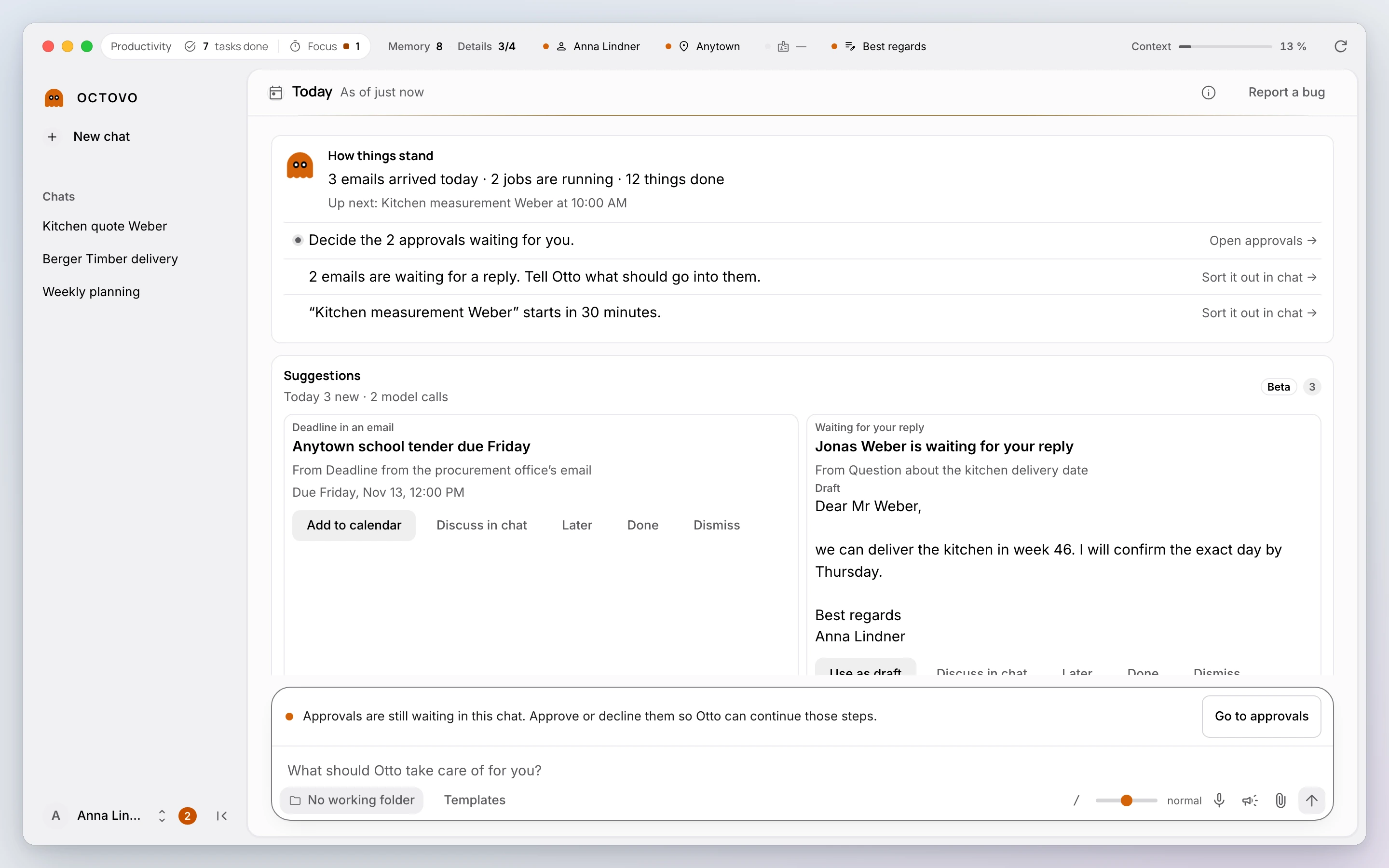
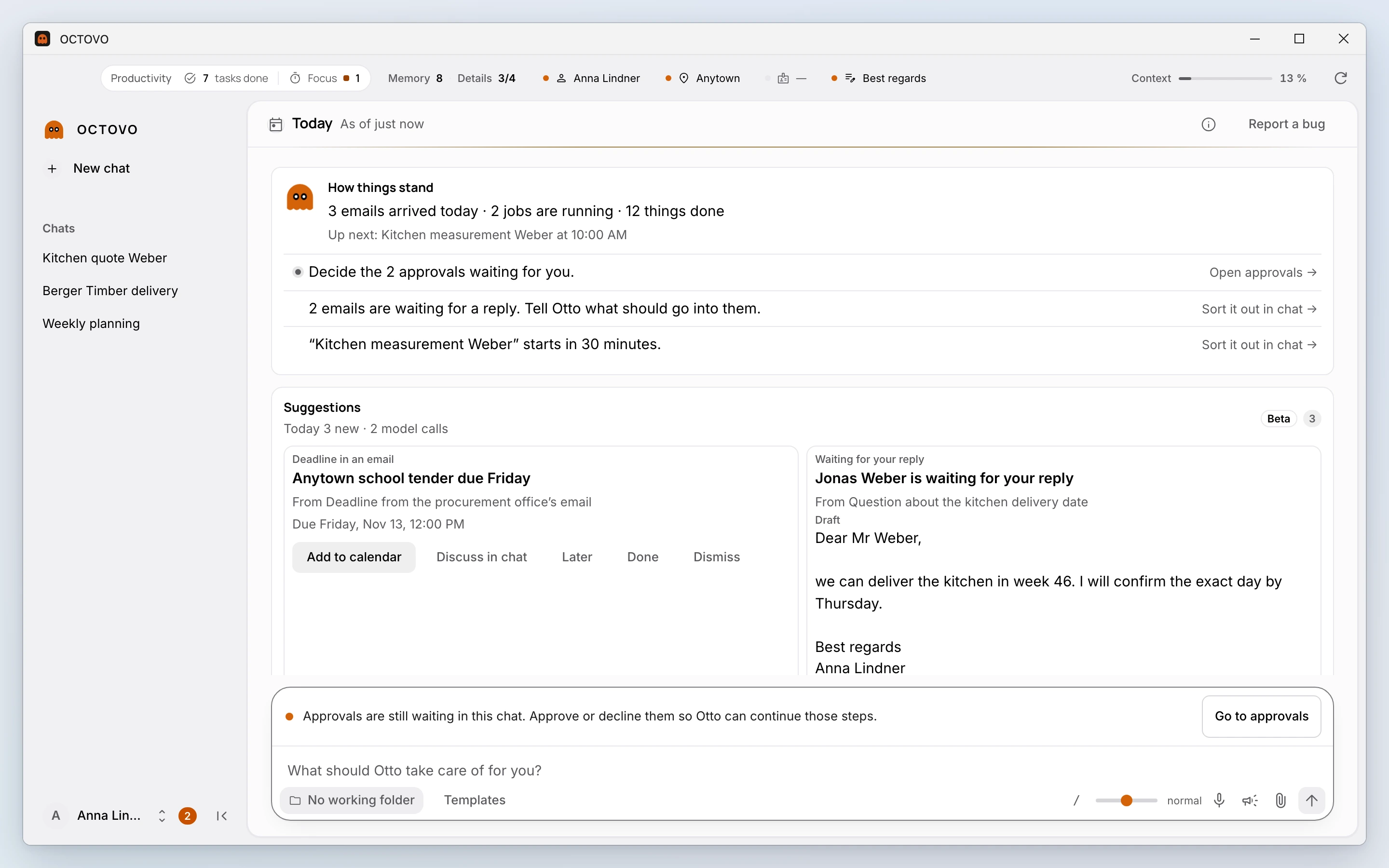
The “Suggestions” tile goes through your mail, calendar, messages and, if connected, Notion, and suggests what to do next. In the app the feature is called “Assistant (beta)” and can be turned on and off.
The suggestions
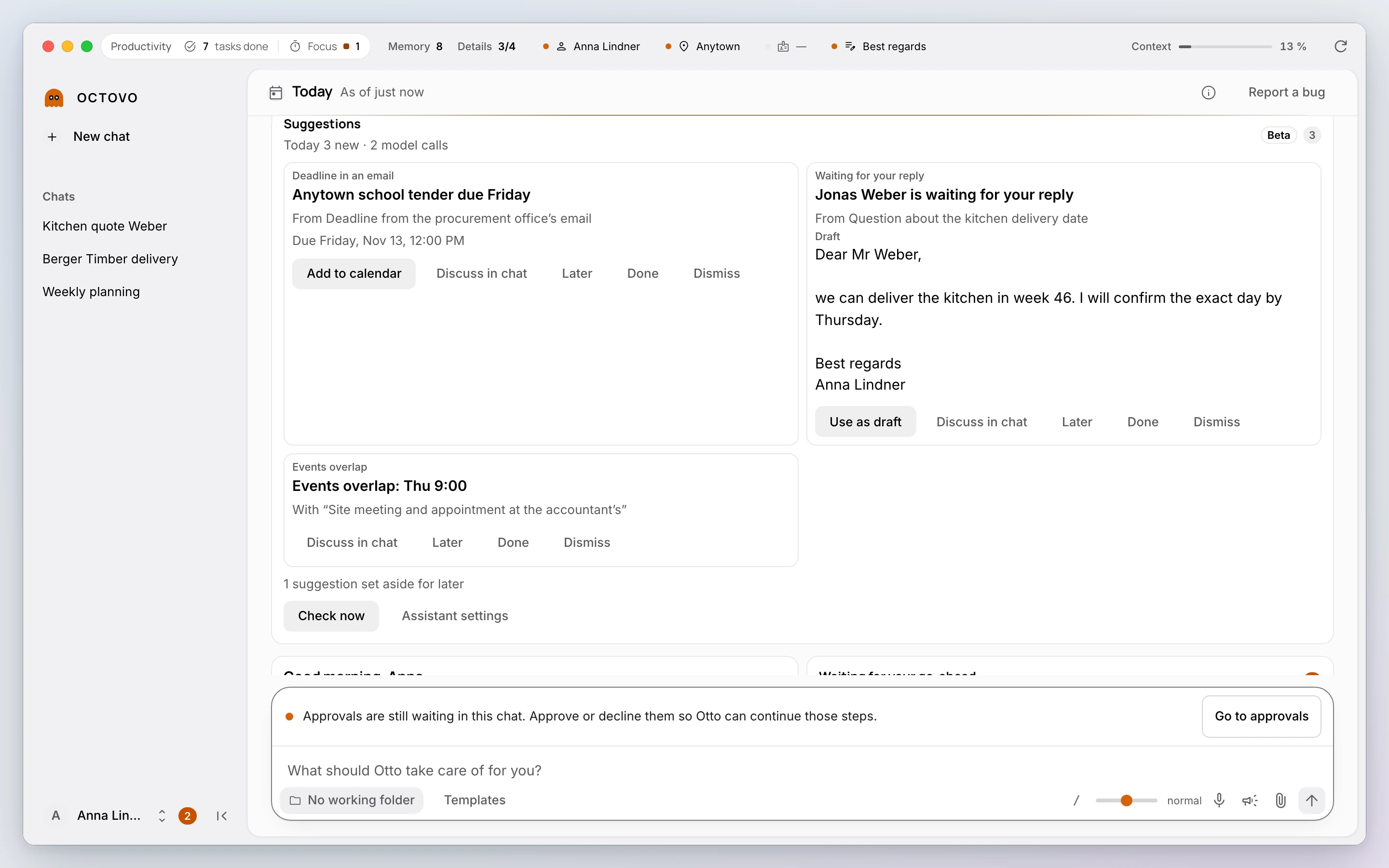 Windows
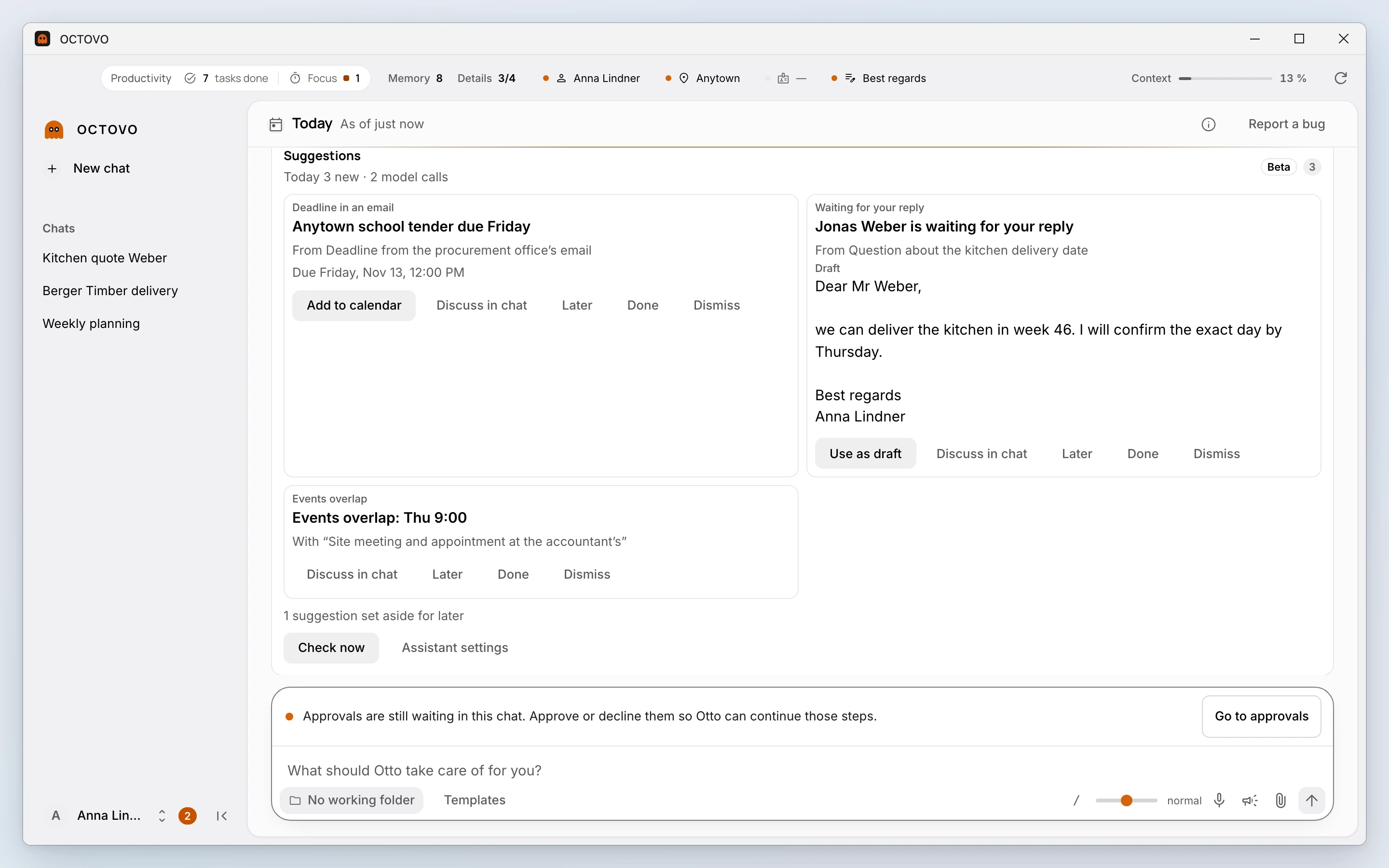
Every suggestion states its reason.
What you see:
- Reason for example “Deadline in an email”, “Events overlap”, “Waiting for your reply”, “Open question in a message”, “Due in Notion”.
- Important marks urgent suggestions.
- Check now runs a new check straight away.
- Show less shortens the list.
Acting on a suggestion
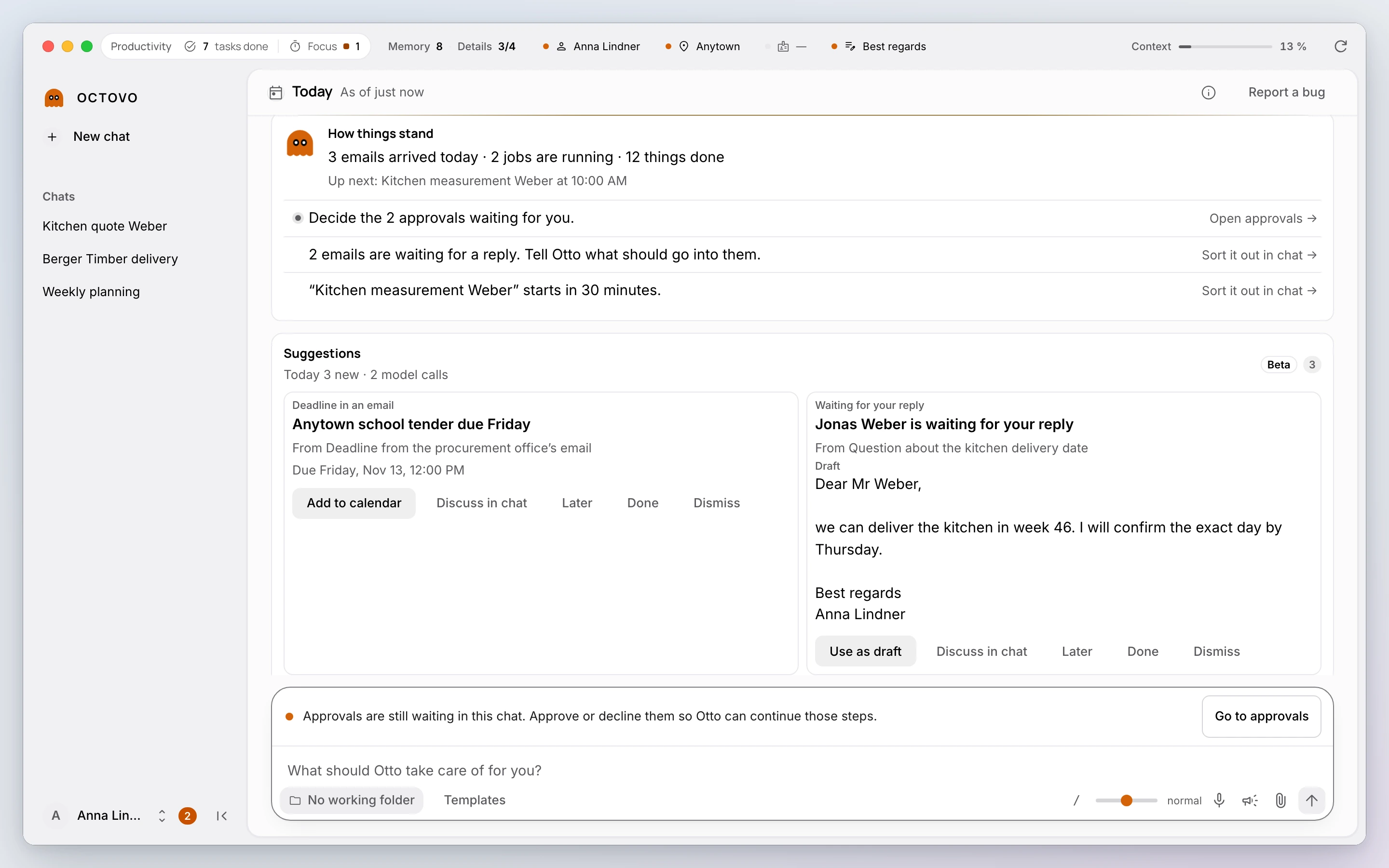 Windows
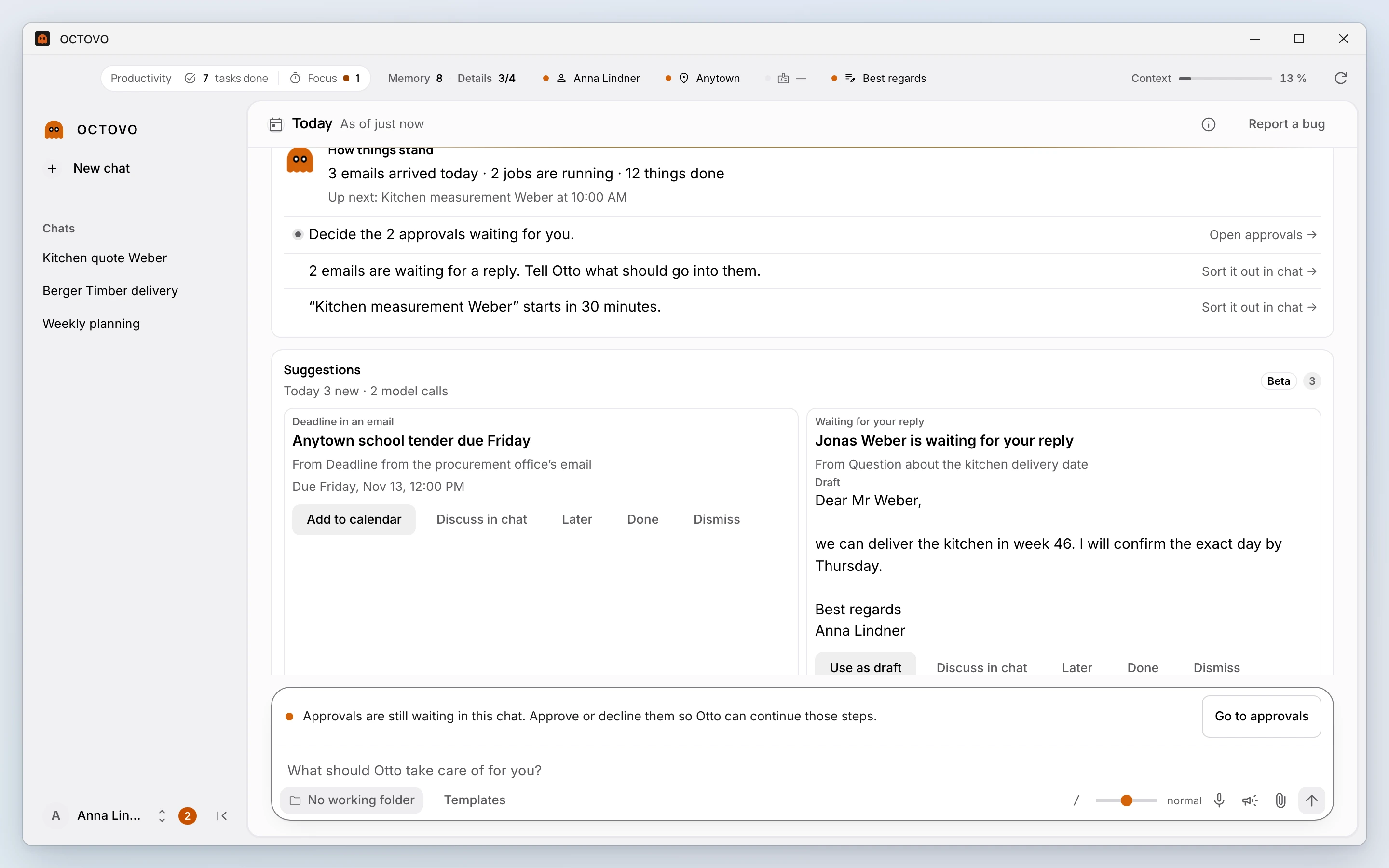
Depending on its kind, a suggestion offers suitable buttons. A reply draft is not sent straight away but goes to your approvals.
What you see:
- Use as draft puts the reply draft into approvals.
- Add to calendar adds a deadline to your calendar.
- Discuss in chat opens the suggestion in a conversation.
- Later / Dismiss / Done postpones, dismisses or ticks it off.
Assistant settings
 Windows
Here you decide where the assistant looks and whether it may use your memory for drafts.
What you see:
- Where it looks Mail, Calendar, Messages, Notion.
- Use memory in drafts includes learned sentences in drafts.
- Turn on / Turn off switches the suggestions on or off.