Connectors
Your own tool servers (MCP)
Connect your own tools.
On this page
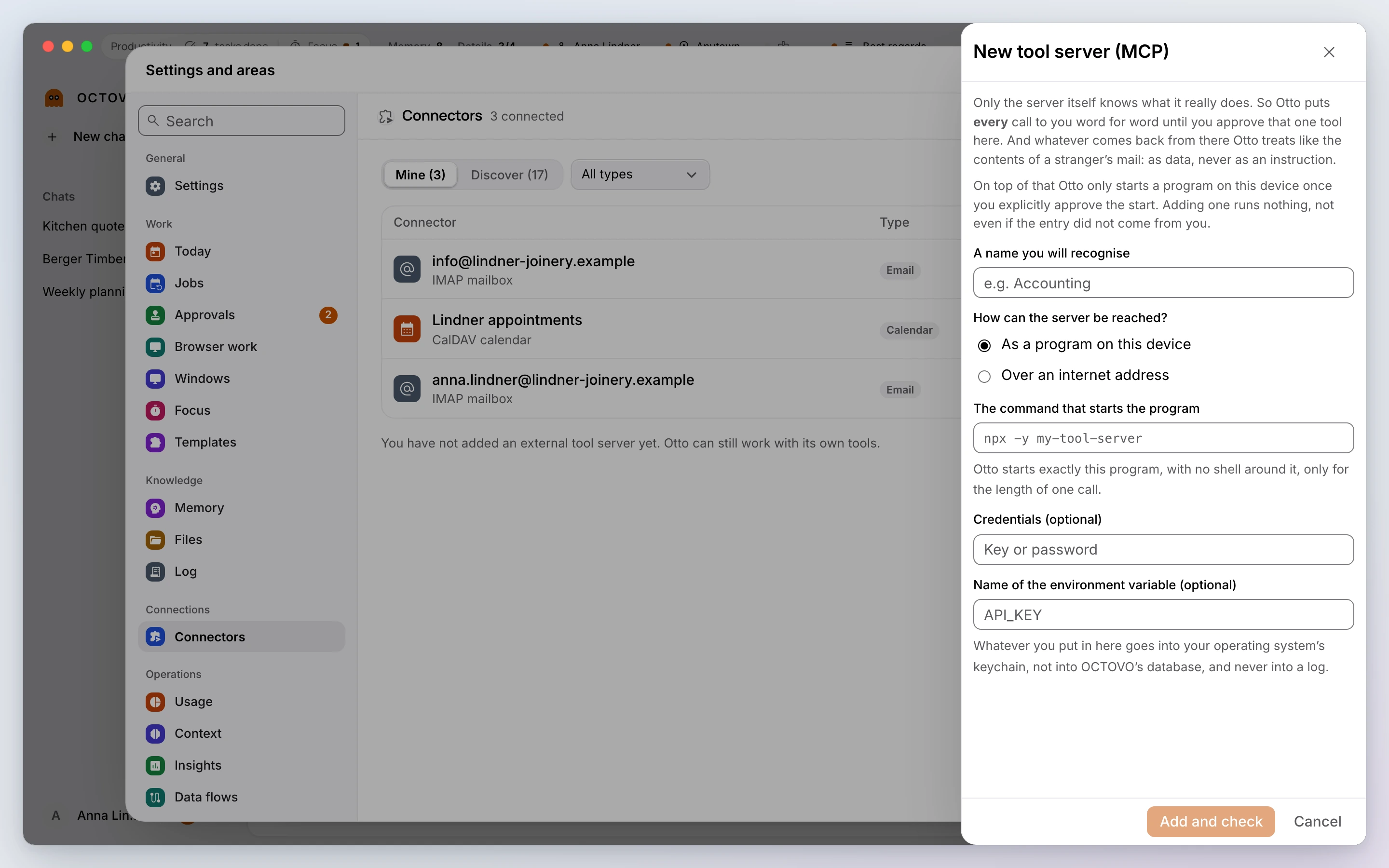
MCP lets you connect your own tools, such as accounting software that comes with an MCP server. Register the server under “Connectors” › “Add”.
New tool server
 Windows
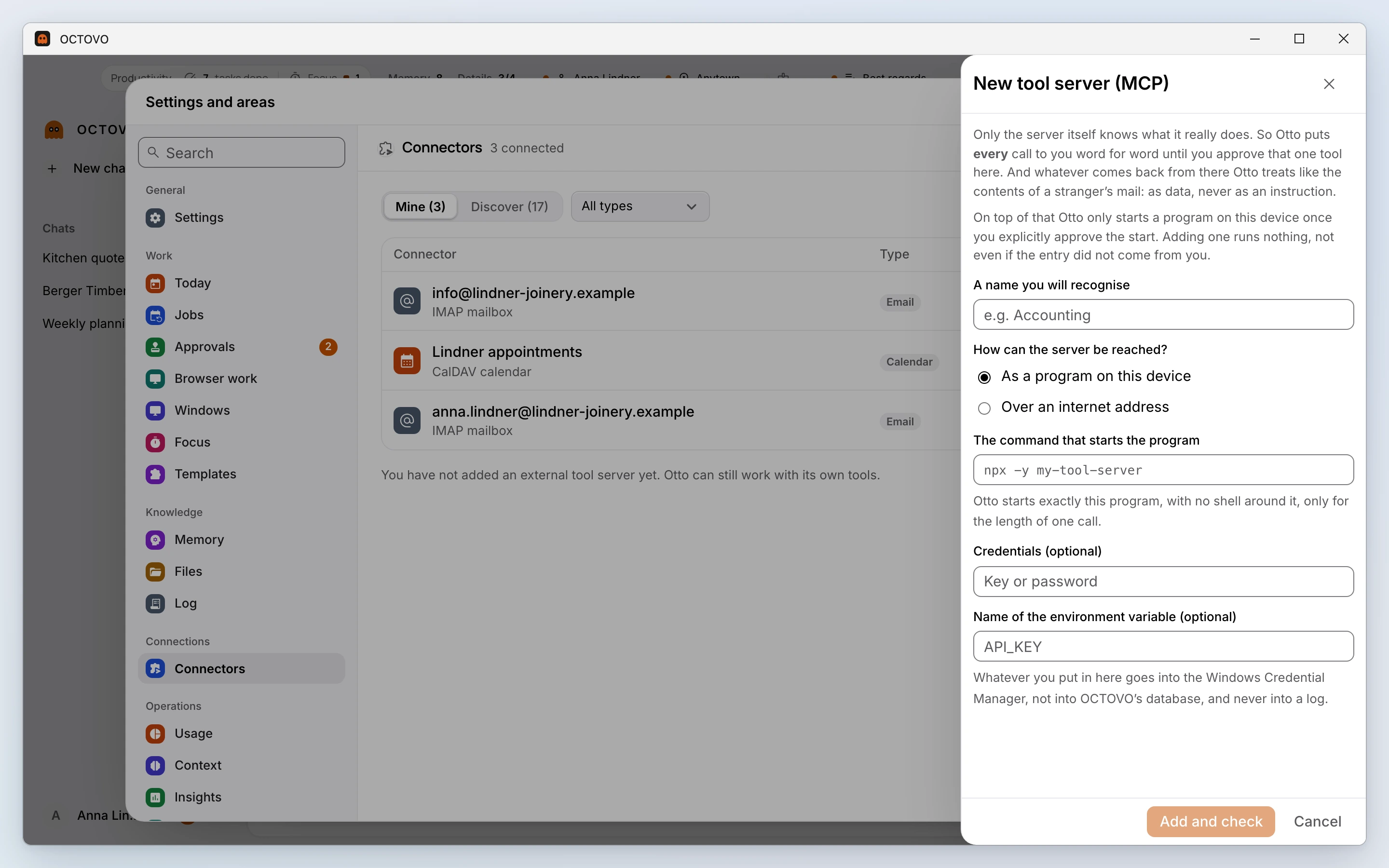
Give the server a name and choose how it is reached.
What you see:
- A name you will recognise for example “Accounting”.
- How can the server be reached? “As a program on this device” or “Over an internet address”.
- Credentials (optional) if the server needs them.
- Add and check saves and tests the connection.
Trust and status
 Windows
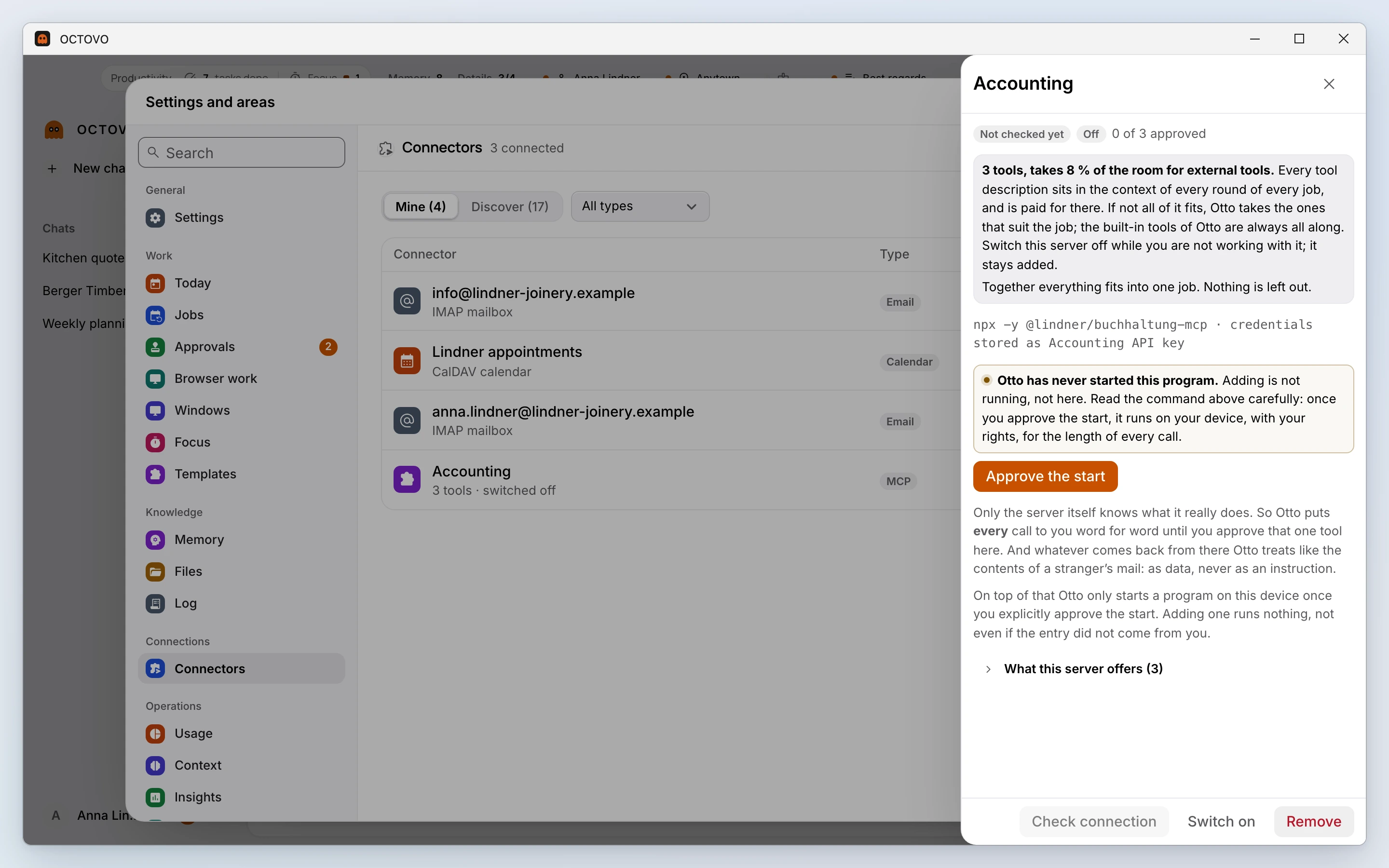
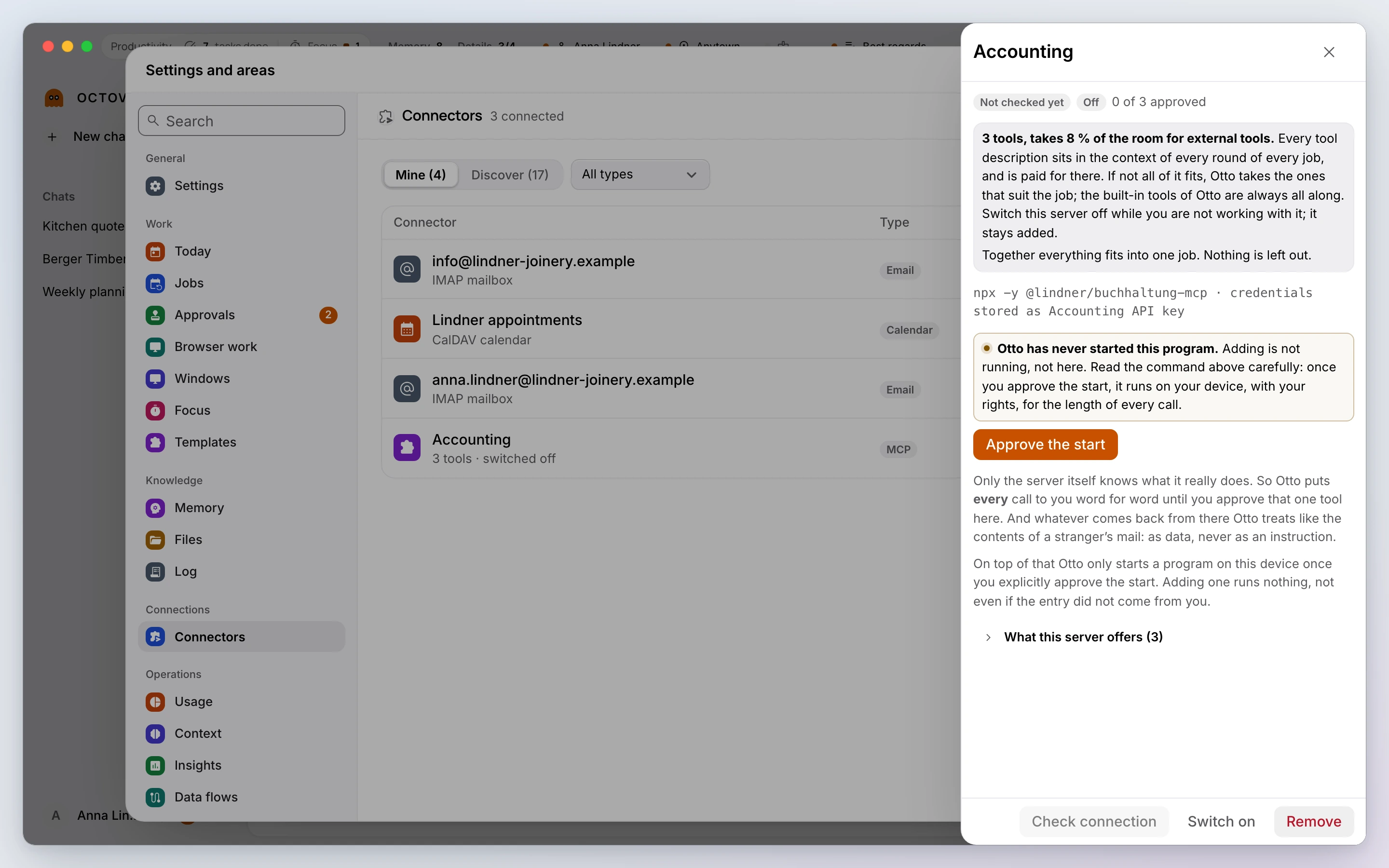
A program on your device only starts once you allow it. Your assistant shows you a server’s tool calls until you trust the server.
What you see:
- Approve the start lets a local server start.
- Trust this server tool calls without asking.
- Status Connected, Not working, Not checked yet, Off.