Connectors
Connecting a calendar
Read and add appointments.
On this page
With a connected calendar your assistant knows your appointments, spots overlaps and adds new ones on request.
Connecting a calendar
 Windows
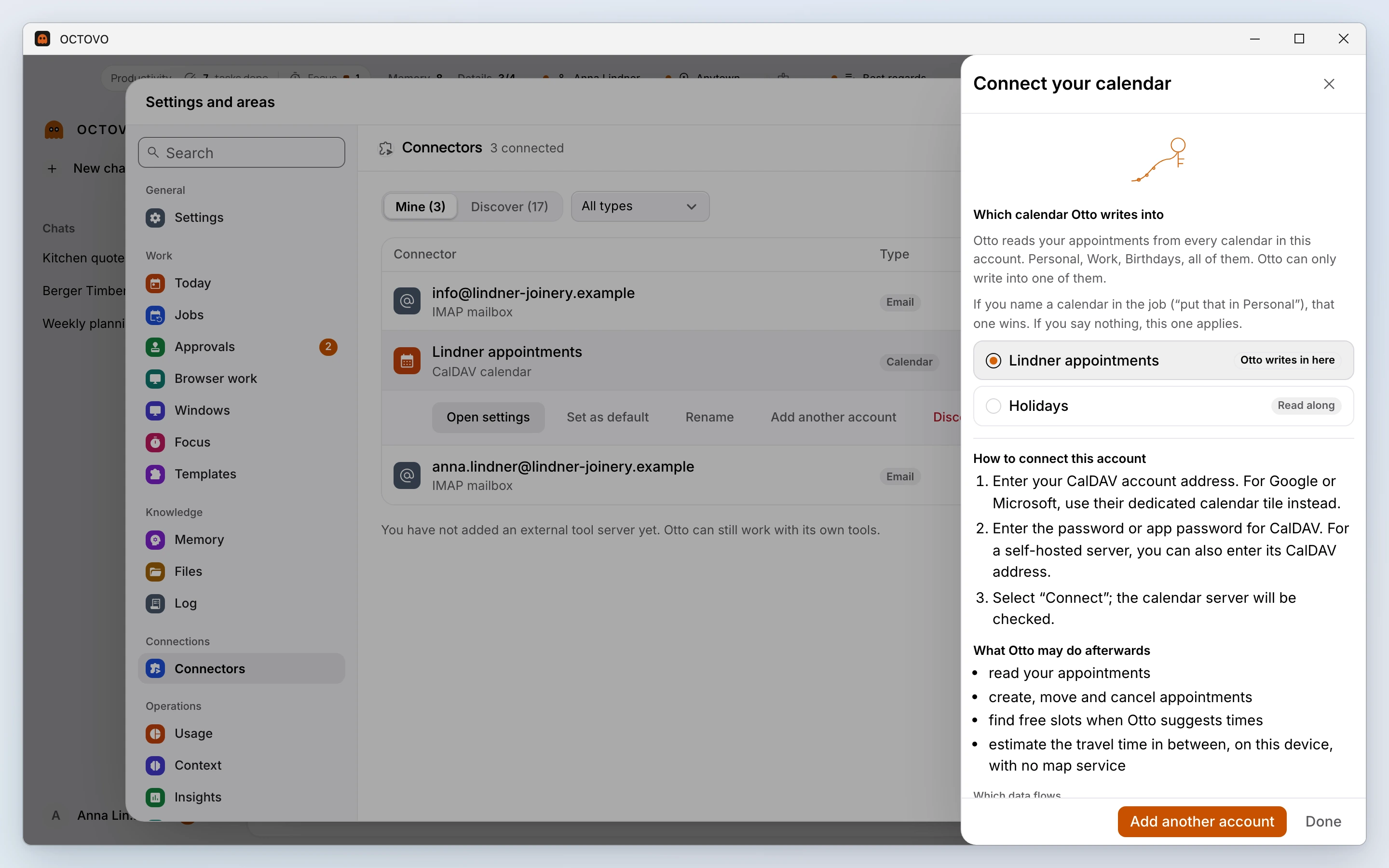
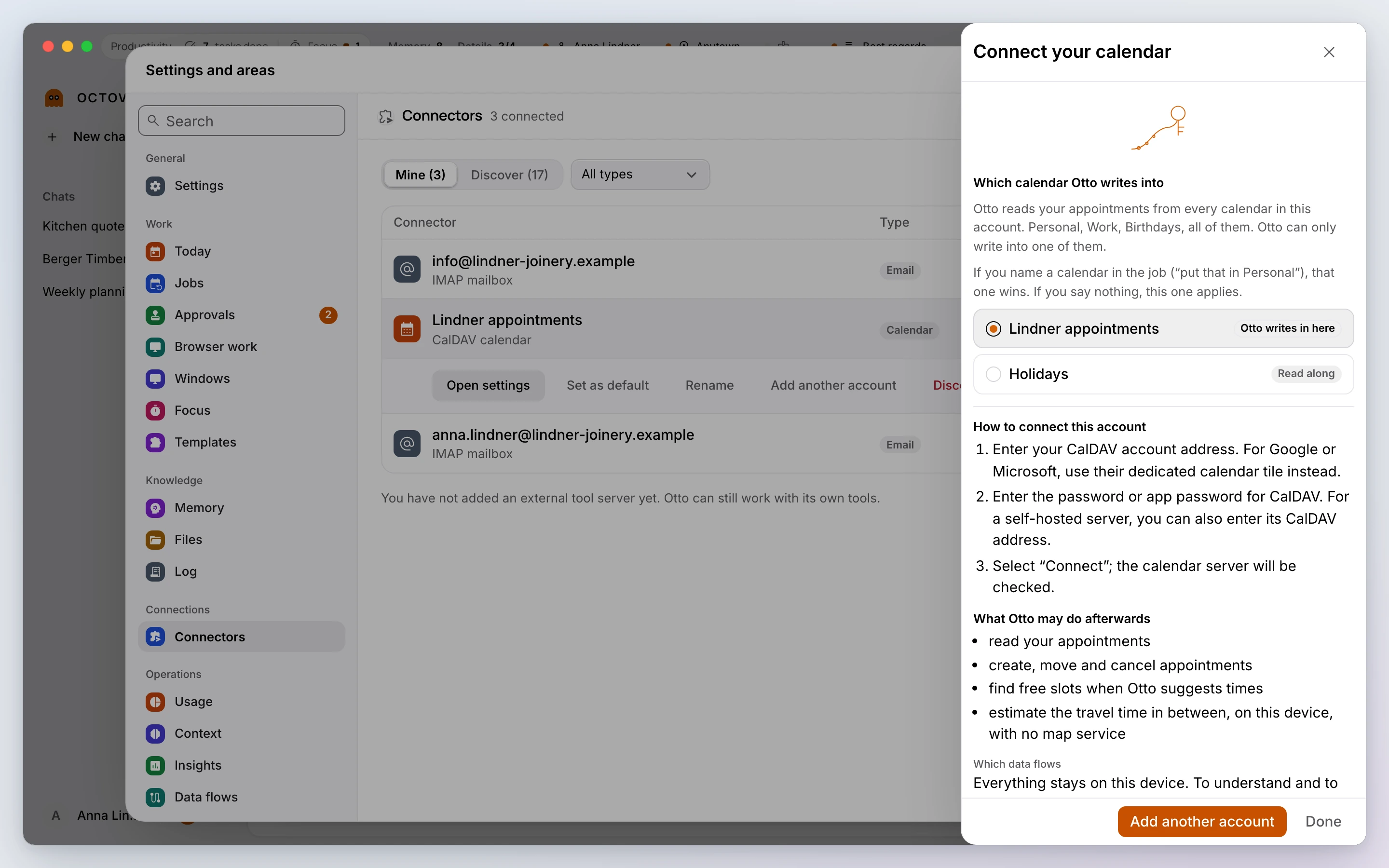
Choose the “Calendar” group in the connection dialog. You can use CalDAV, the Outlook calendar via Microsoft, and an ICS calendar that is read-only through a secret address.
What you see:
- CalDAV for many calendar services with address and password.
- Outlook calendar via Microsoft sign-in.
- ICS calendar read-only, through a secret address.
Which calendar for what
 Windows
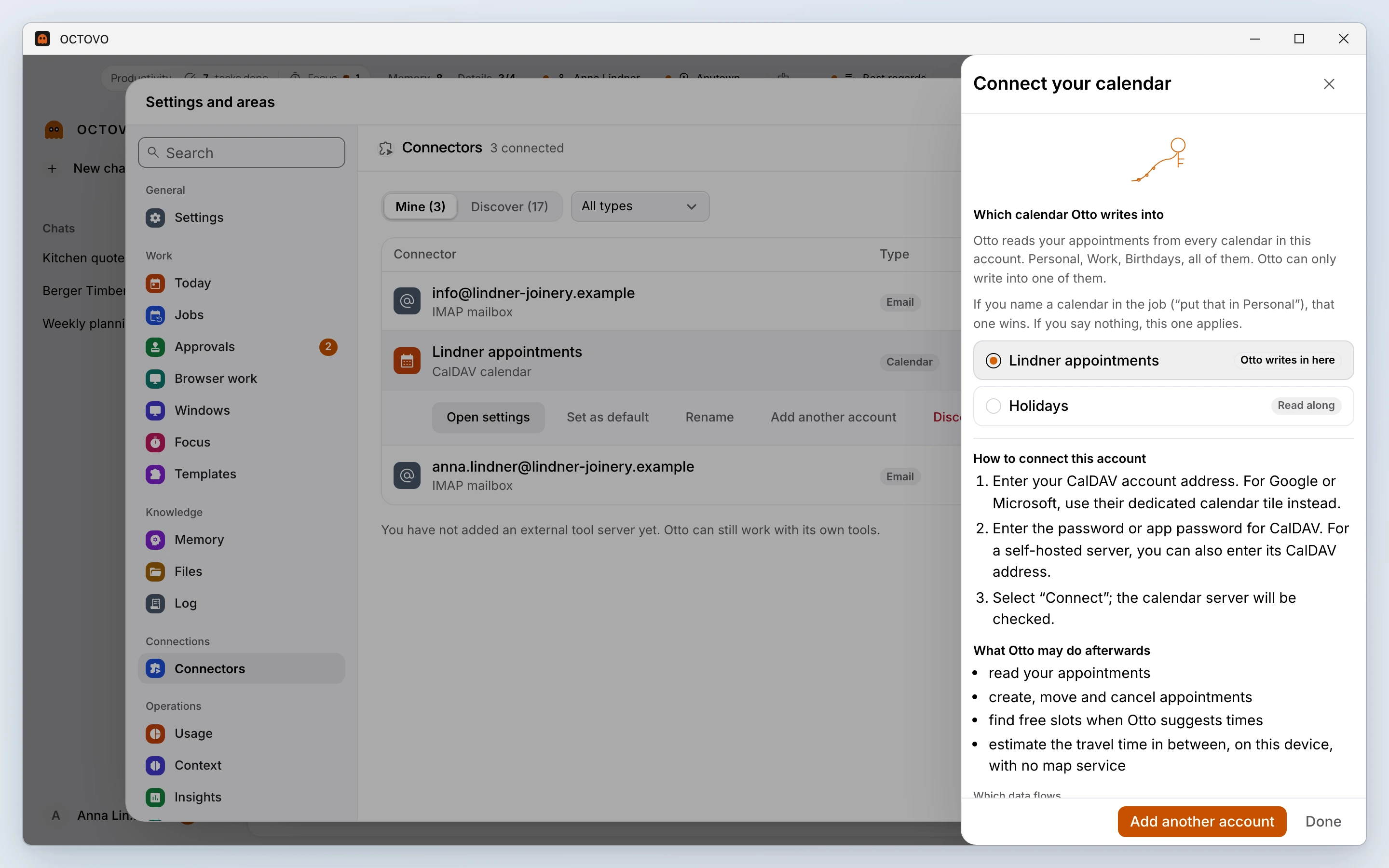
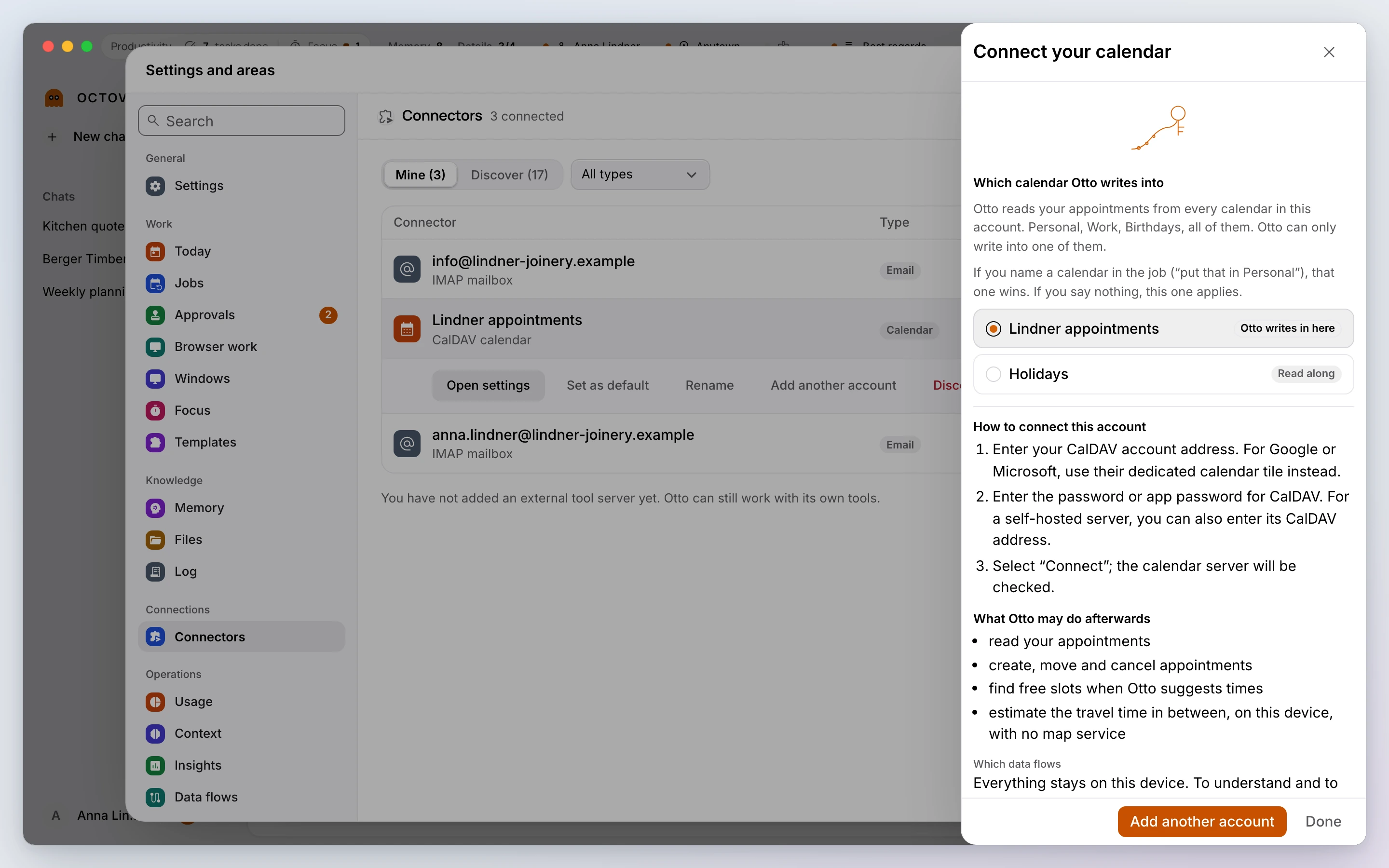
If you have several calendars, decide which ones are read and where new appointments go.
What you see:
- Read along your assistant takes this calendar into account.
- Calendar to write into new appointments go here.
← Back: Connecting a mailbox · Next: Messages: WhatsApp and more →