Privacy and security
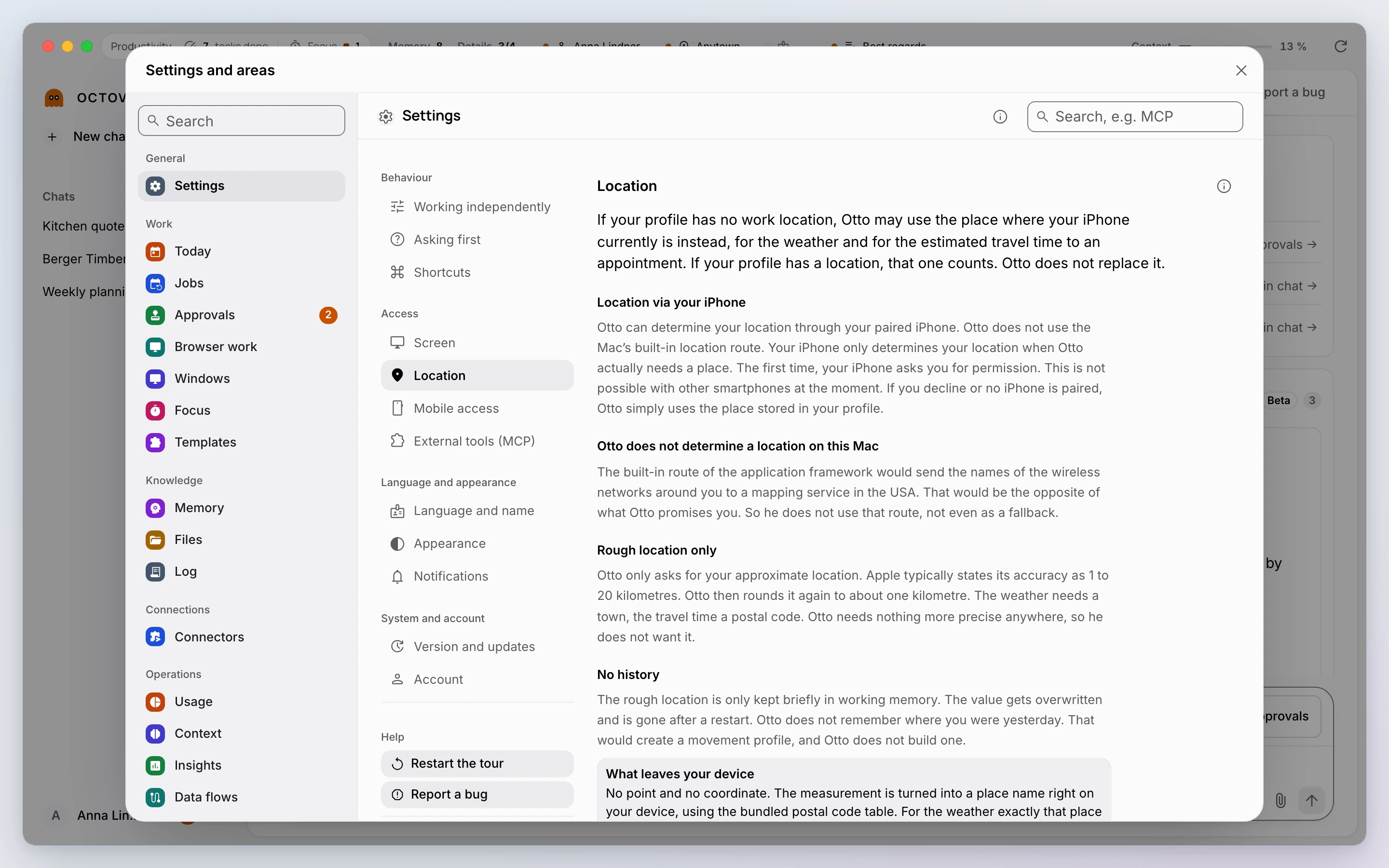
Location
Use your location via the iPhone.
Location sharing is switched off by default. If you switch it on, your iPhone works out roughly where it is when needed. The exact point stays between iPhone and computer, only a place name goes out. For this, your iPhone has to be connected to the computer.
Settings › Location
 Windows
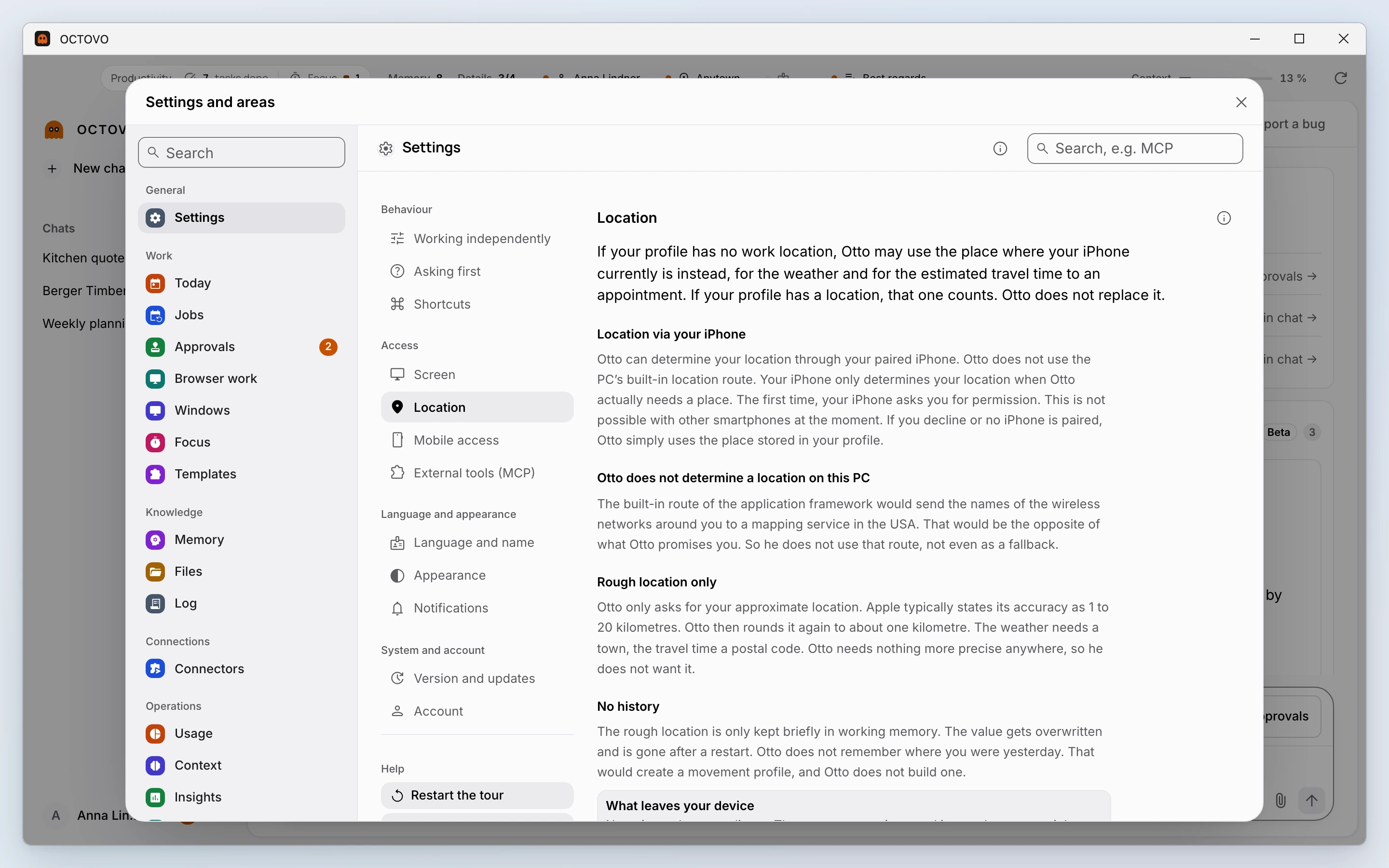
Here you allow its use and take it back again.
What you see:
- Use my location the switch for location sharing.
- Rough location only only an approximate position is determined.
- No history places are not collected.
- Allow location grants permission.
- Stop using location withdraws permission.