Privacy and security
Record requests
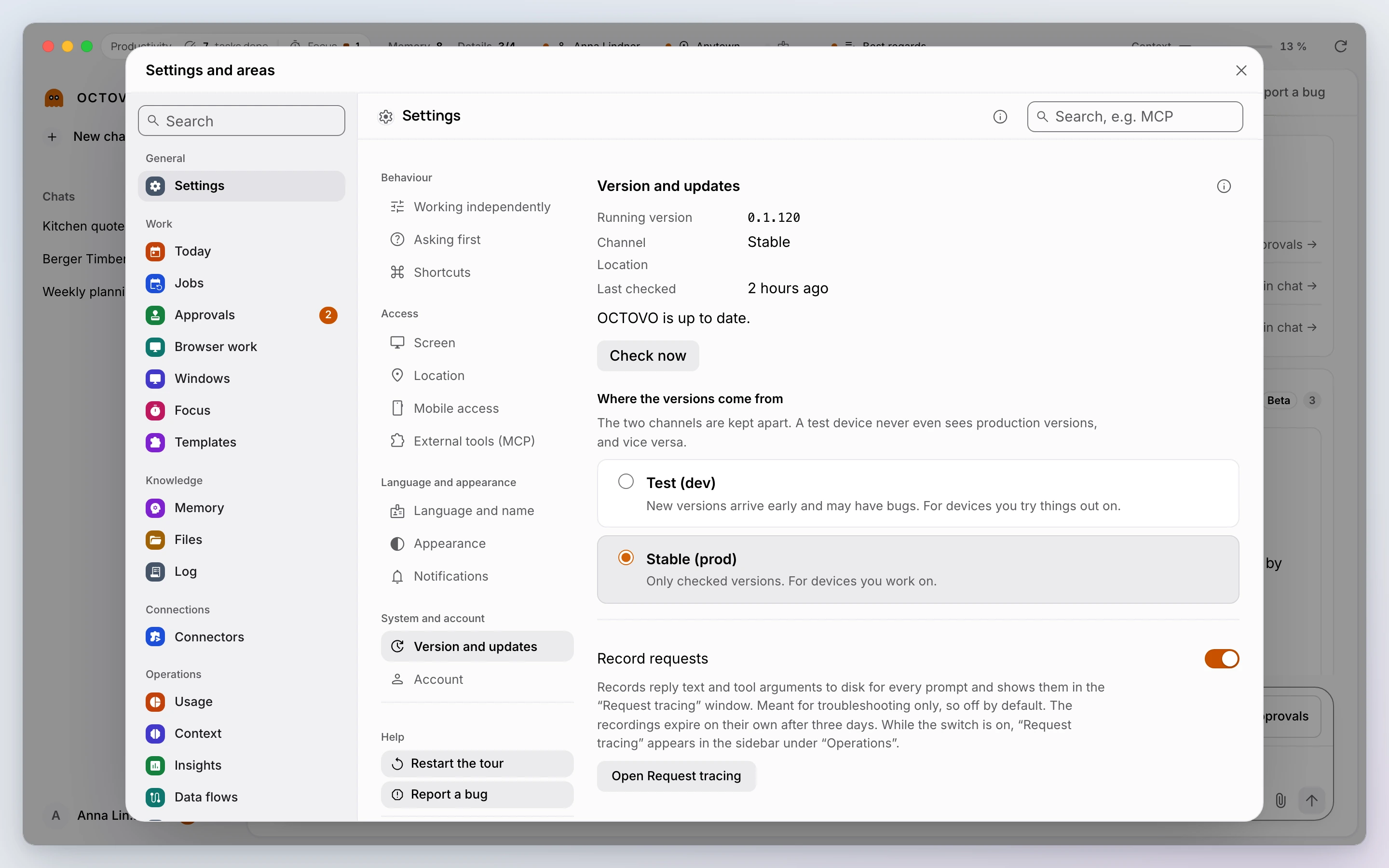
Switch on a recording for troubleshooting.
For troubleshooting, OCTOVO can record the reply text and tool arguments of every request on your computer. This is off by default. The recordings expire by themselves after three days.
Settings › Version and updates
 Windows
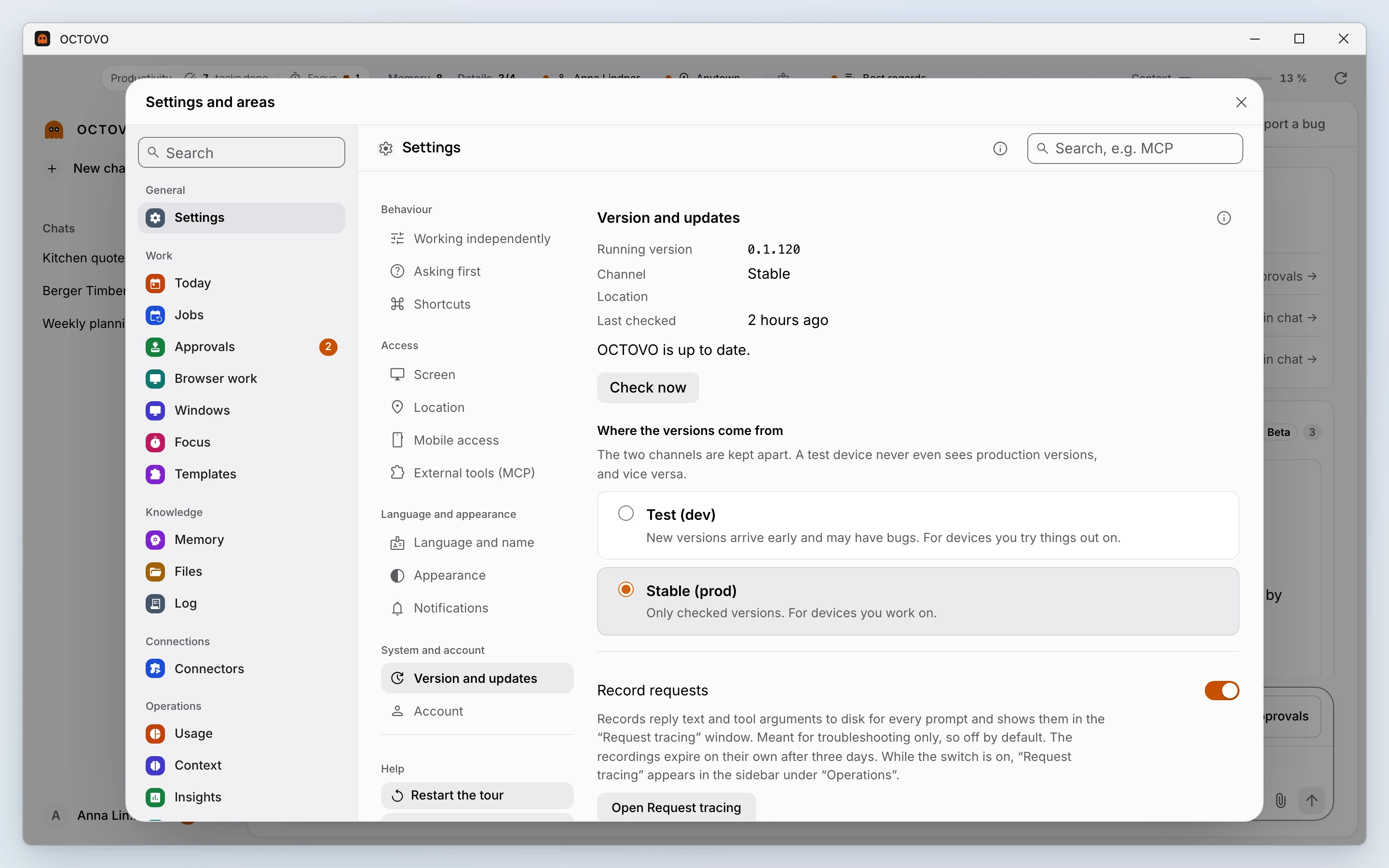
If you switch on “Record requests”, the “Request tracing” entry appears in the sidebar. That is where you see the recordings.
What you see:
- Record requests switches recording on or off.
- Request tracing the window with the recordings.