Working with your assistant
Model and thinking level
How thoroughly your assistant thinks and which model answers.
On this page
Not every question needs the same amount of thought. The thinking level decides whether your assistant works briefly or thoroughly. Thorough takes longer and uses more of your allowance. Which provider answers the requests is listed on the website in the list of sub-processors.
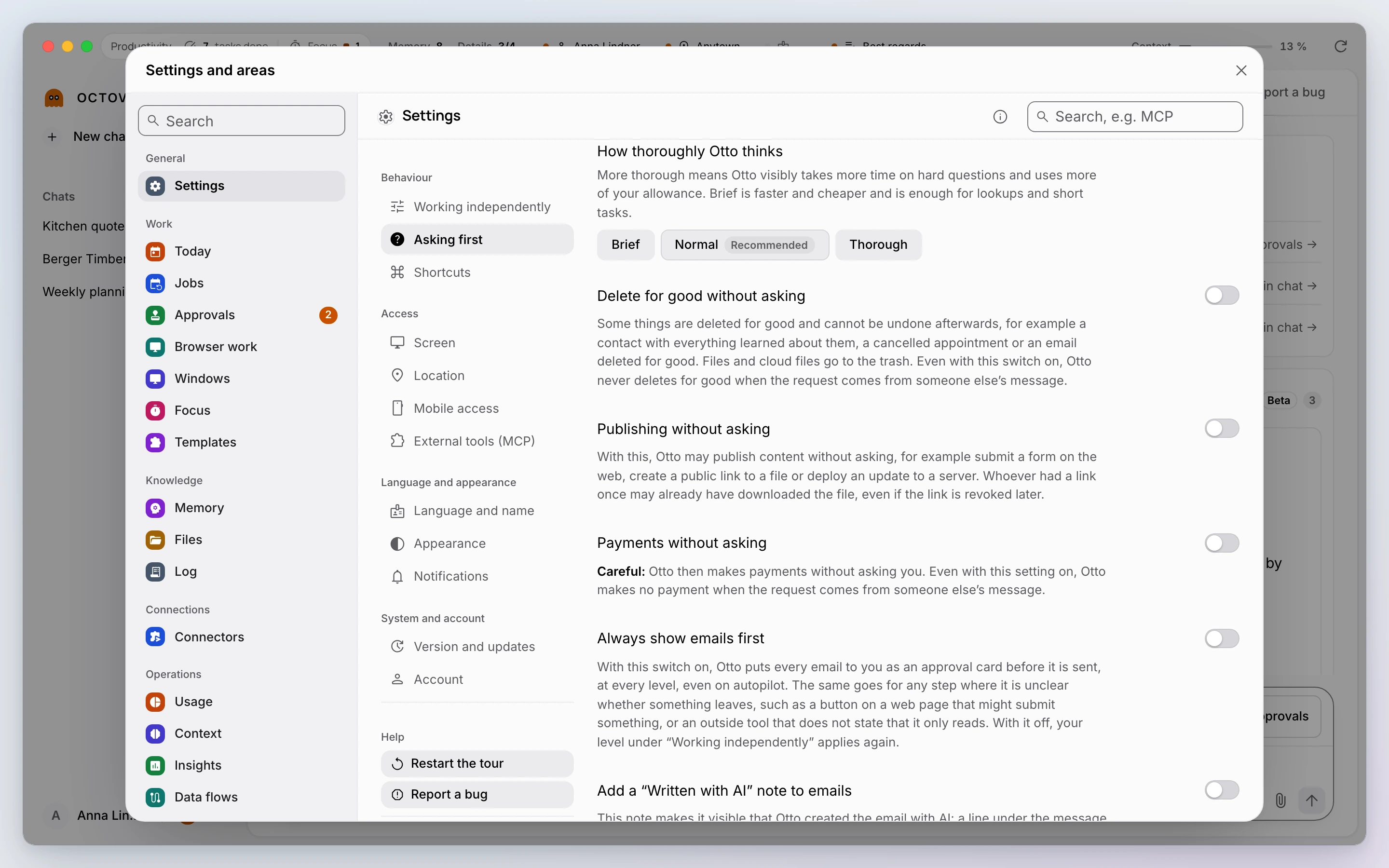
Setting the thinking level
 Windows
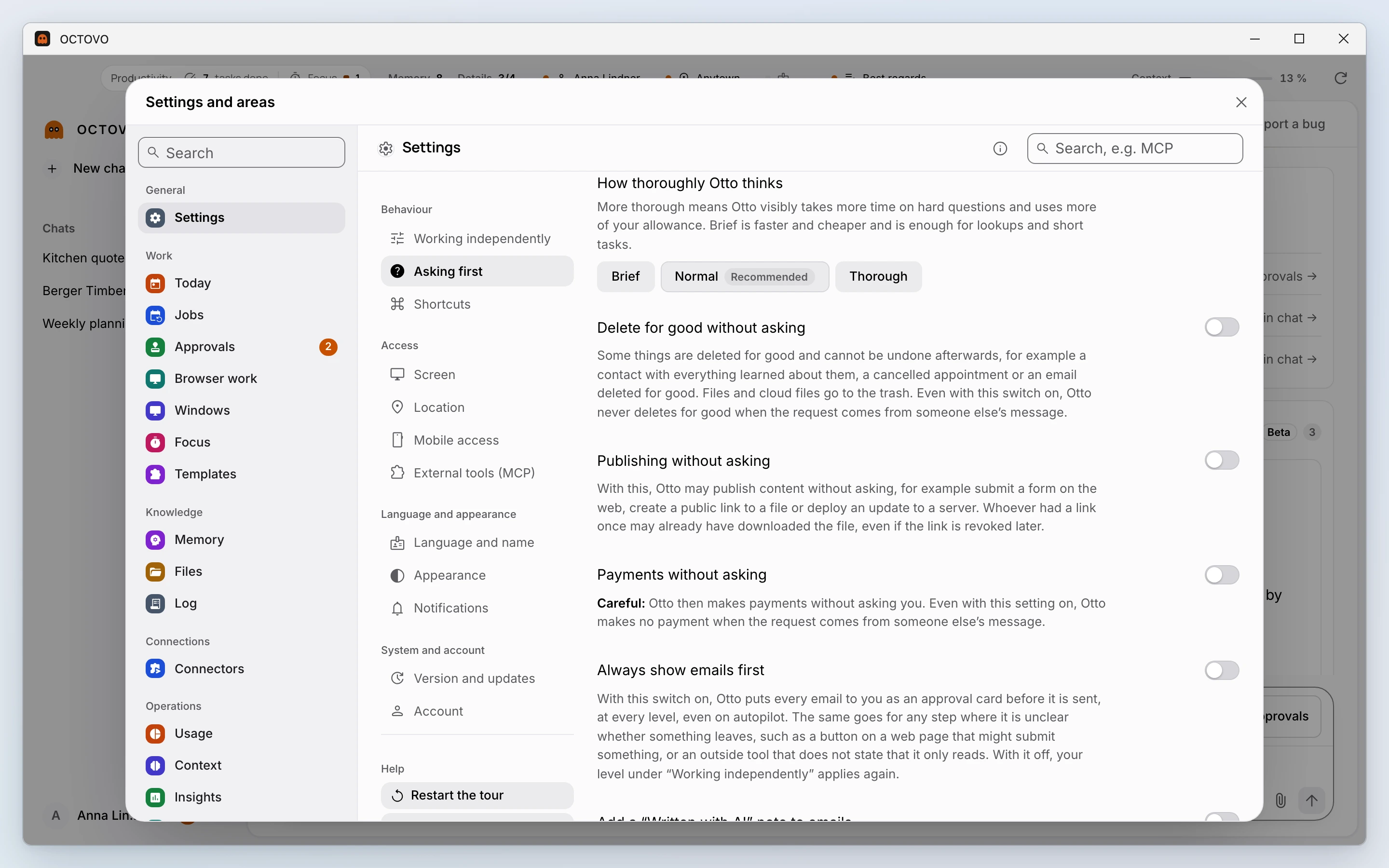
You find it under “Settings” › “Asking first”.
What you see:
- Brief quick, short answers.
- Normal the default.
- Thorough more time for difficult questions, uses more allowance.
Choosing the model
 Windows
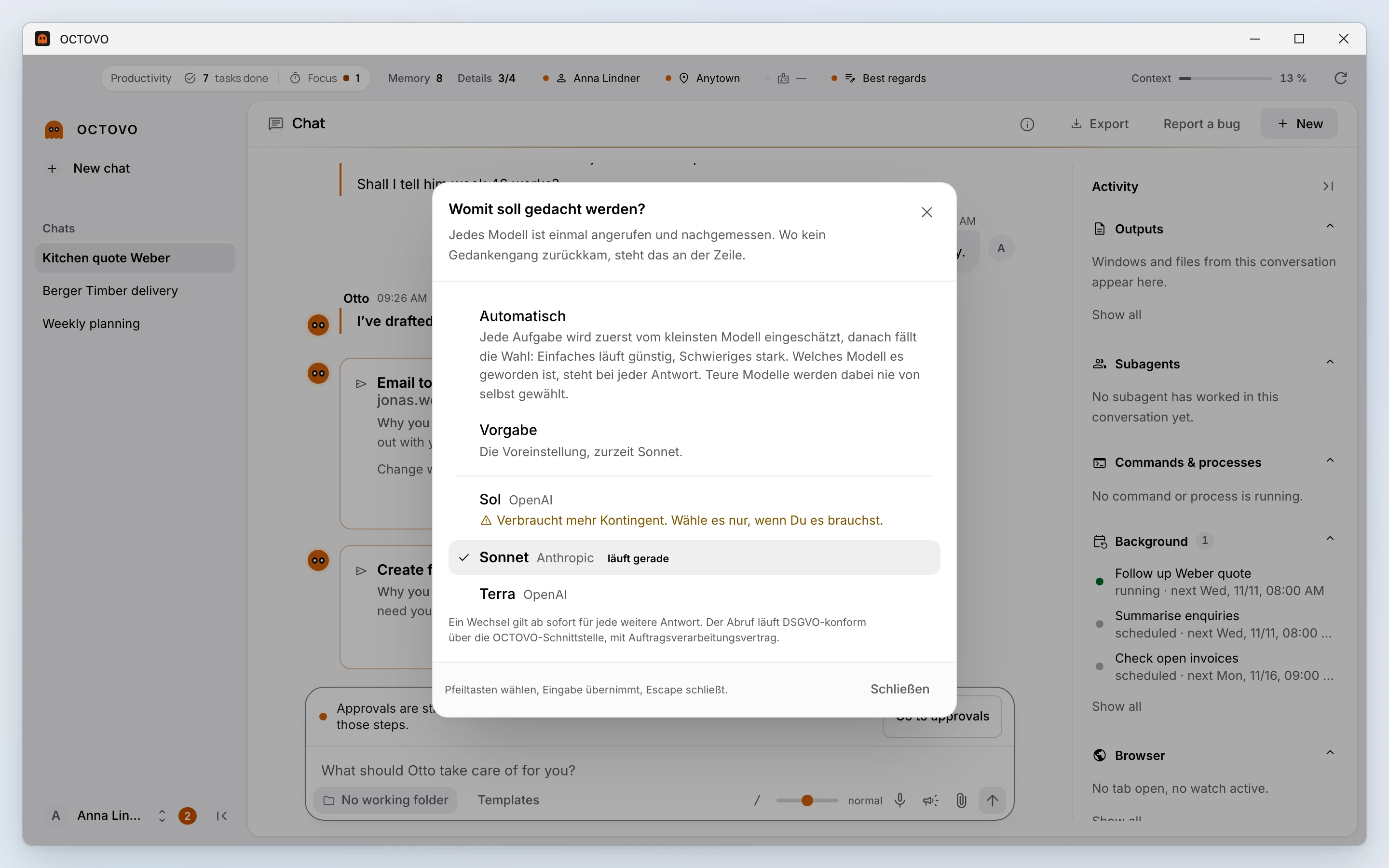
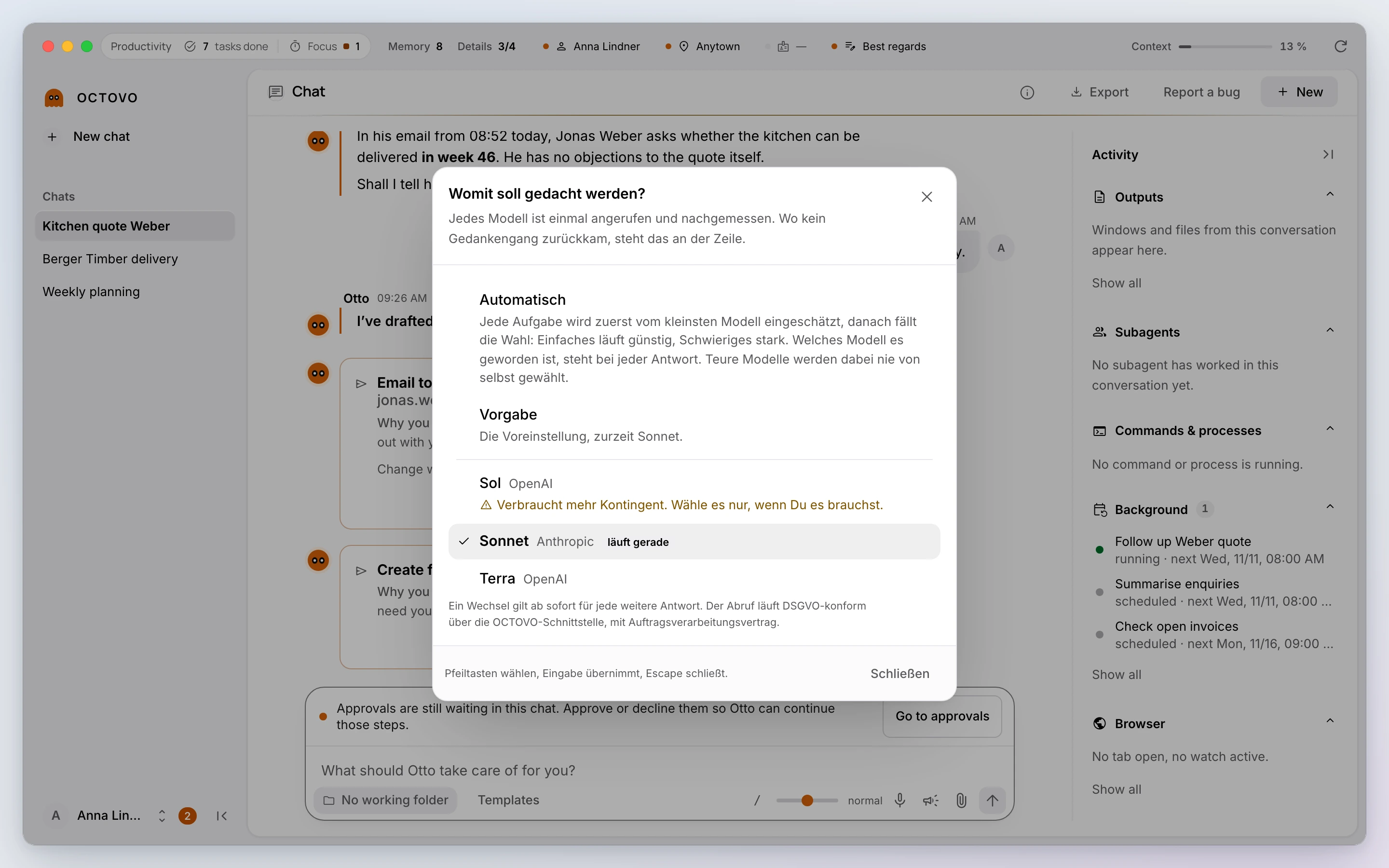
The /model command opens “Models to choose from”. A change applies right away to every further answer.
What you see:
- Models to choose from the checked list of models.
- running now the model that is answering at the moment.
- Arrow keys, Enter, Escape select, confirm, close.