Working with your assistant
Attachments and dictation
Hand files to a chat and speak your requests.
On this page
You can give your assistant files, for example a PDF to summarise or a spreadsheet to turn into a quote. On the Mac you can also speak your request.
Attaching files
 Windows
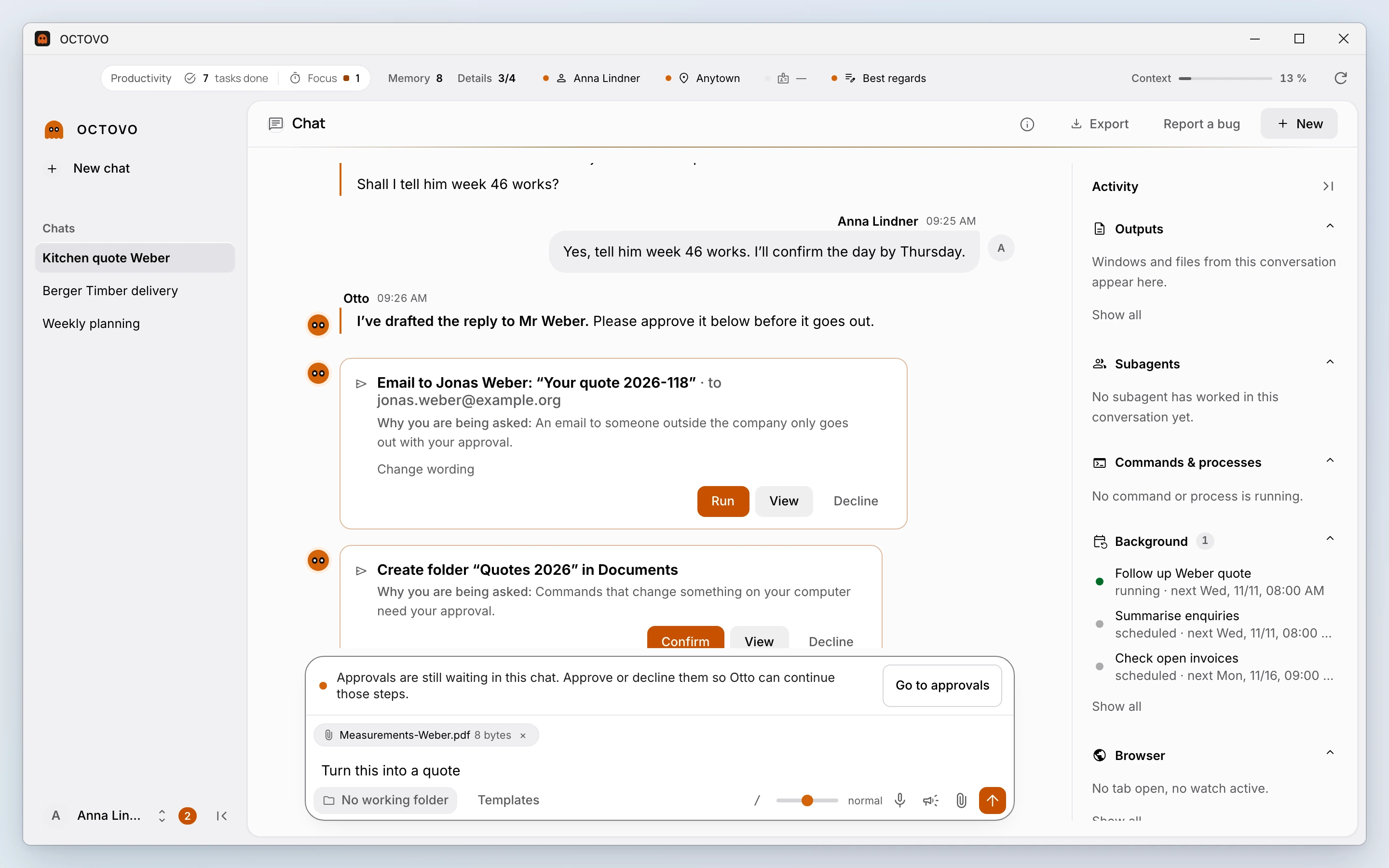
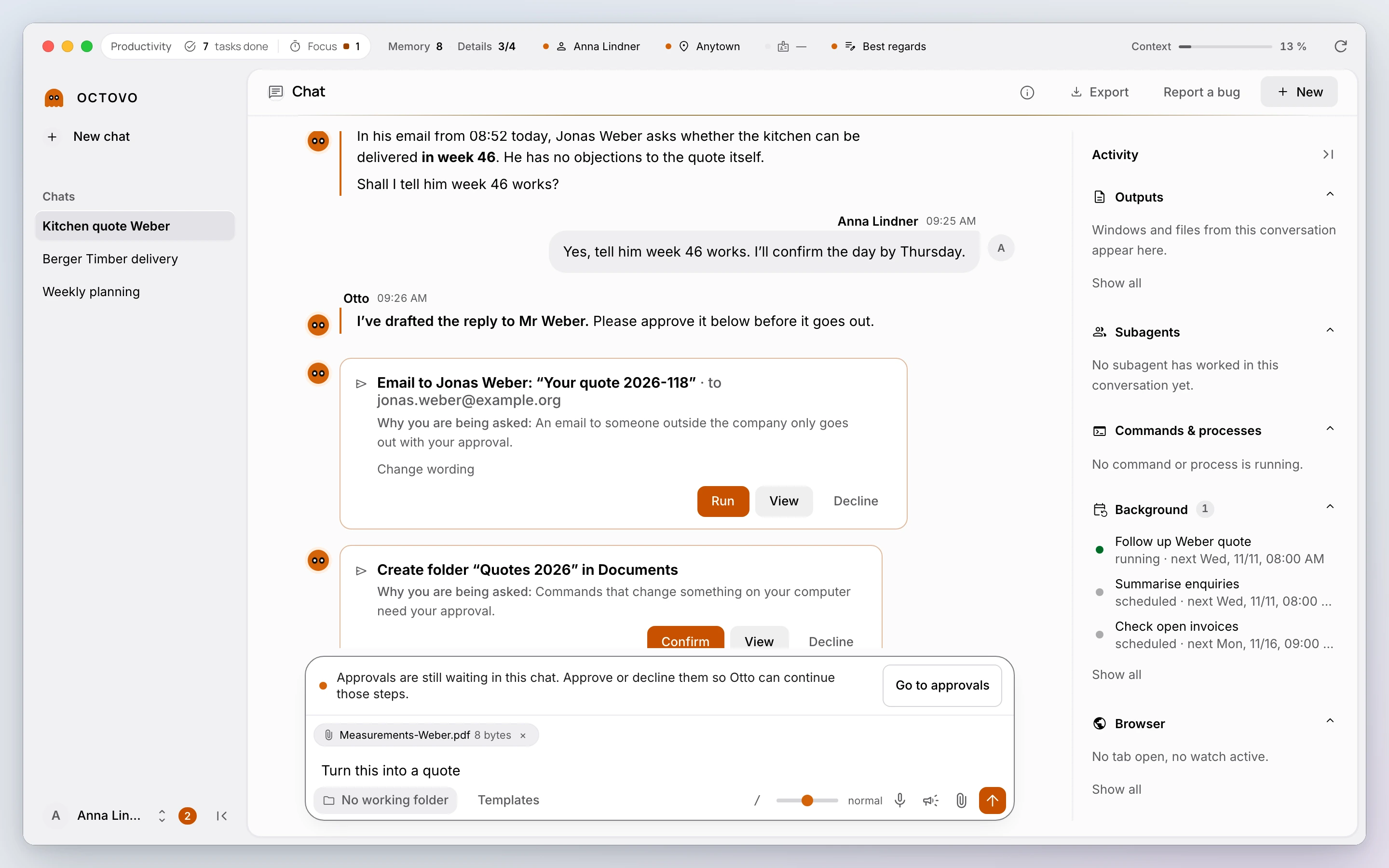
Drag files into the chat window and let go, or pick them with “Choose files”. Before sending you see every attached file.
What you see:
- Choose files opens the file picker.
- Let go to drop the files. hint while you drag files in.
- Remove again removes a file before sending.
macOS
Dictation
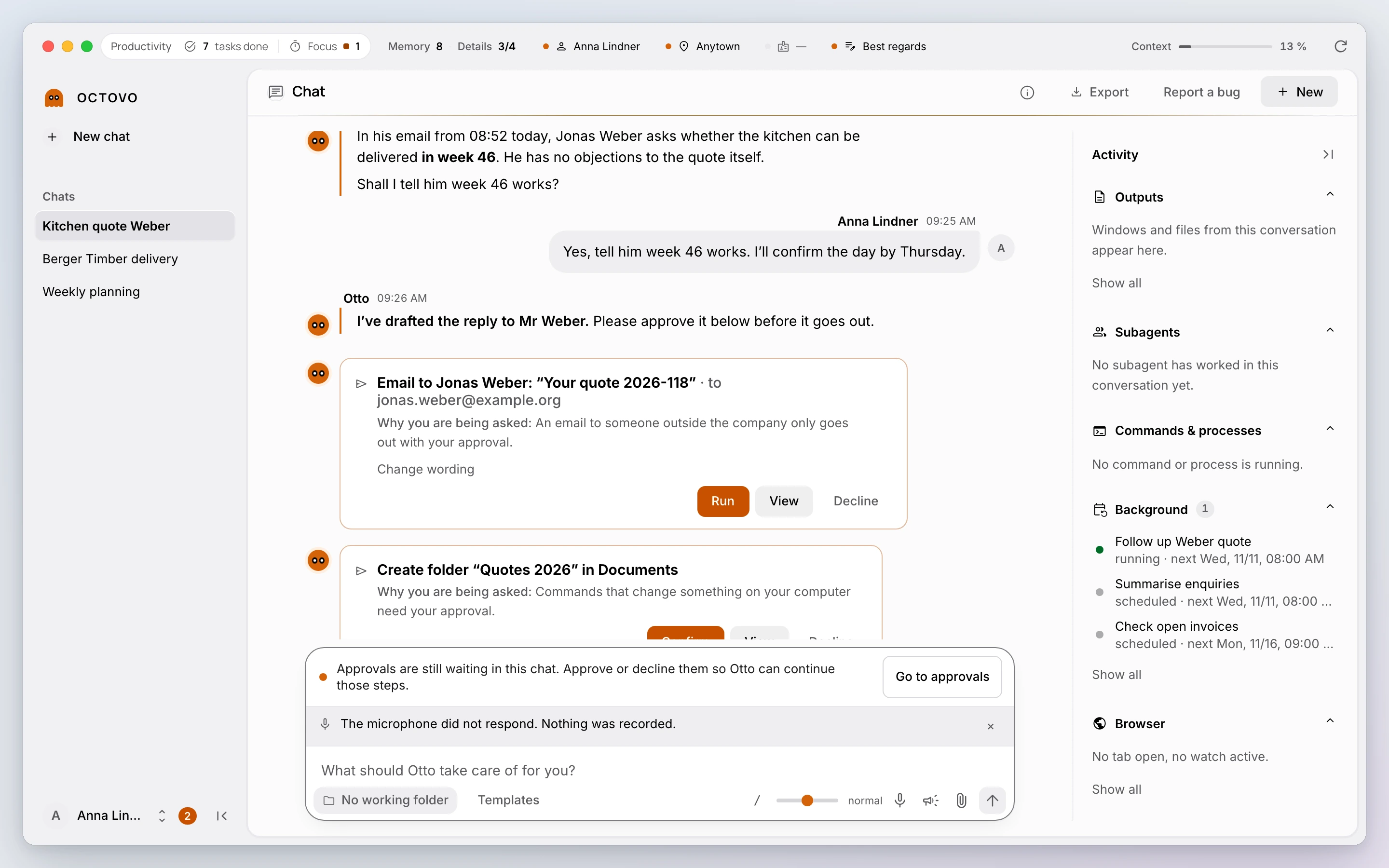
On the Mac you record your request with the microphone. The transcription runs on your Mac with Apple speech recognition; the sound does not go to the internet. The first time, macOS asks for the microphone and speech recognition. If the permission is missing, grant it under System Settings → Privacy & Security → Microphone → OCTOVO.
What you see:
- Record a voice message starts recording.
- Stop recording and take the text ends the recording and takes the recognised text.
- Discard the recording throws the recording away.